





Payment options in eduPAY
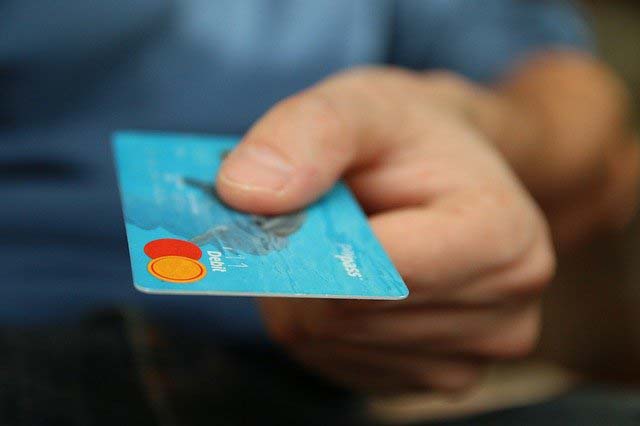
Open payments can be easily settled in eduPAY using EPS online banking, credit cards (Maestro, Mastercard, Visa) or bank transfer. This facility completely replaces the previous class cash register.
This is intended to make payment transactions for projects, work contributions, copy credits, insurance, hiking days, sports weeks, language trips, excursions... easier.
Instructions for eduPAY
To get an overview of open and settled payments,
- Simply go to the web address bildung.at and
- Log in by clicking on the Microsoft
- with the Office 365 school email address (
This email address is protected from spambots! JavaScript must be enabled to display. ) of your child. This will be activated in the first week of school.
Every single payment in eduPAY is assigned based on a personal payment reference , therefore
- the personal payment reference may not be passed on, and
- always be with every transfer
After the first login with your child's Office 365 access data, we recommend setting parent password Please see the appendix for detailed instructions.
Of course, you will be informed in a timely manner about expected payments. The payment request is then visible on edu.PAY with a due date and can be paid directly in the system. The project name and amount give you a precise overview of the costs.
Advantages
As the reactions so far have shown, both parents and students appreciate the advantages of this system:
- organizational relief for parents
- Thefts are impossible
- No more valuable teaching time is lost due to cashing in
- Overview of payments for parents and teachers
Contact person
Daniela Huber - HBLFA Raumberg-Gumpenstein,
Important NOTE
The monthly billing of the home fee or external meals is not affected by this and is carried out by direct debit.
team

Dr. Johann Gasteiner
Direktor
DI Othmar Breitenbaumer
Direktion
Birgit Huber-Kitzer
Administration